 zzr.kr short
One-click shortening
Icon → Shorten. The short link lands on your clipboard.
Click the zzr.kr icon in your toolbar and the current page becomes a zzr.kr short link, copied and ready to paste. Make per-channel campaign links and check recent clicks right from the popup.
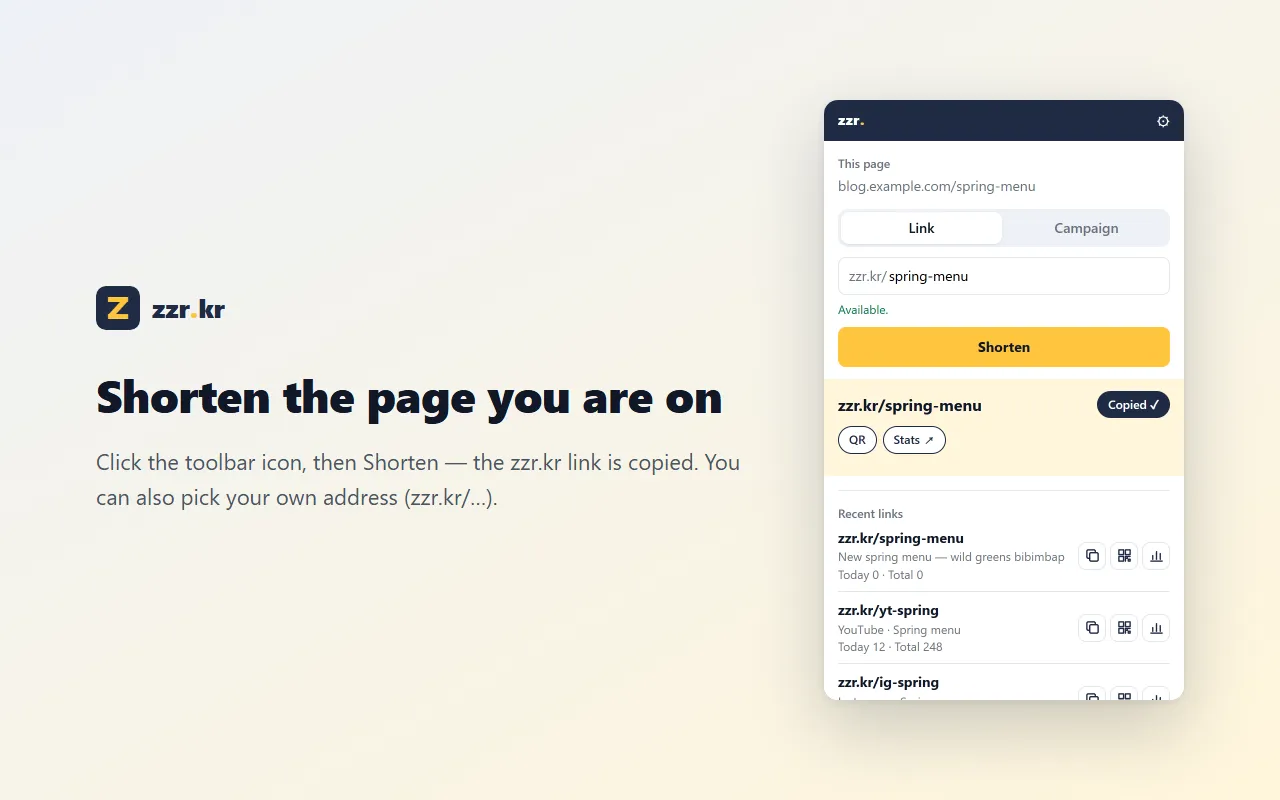
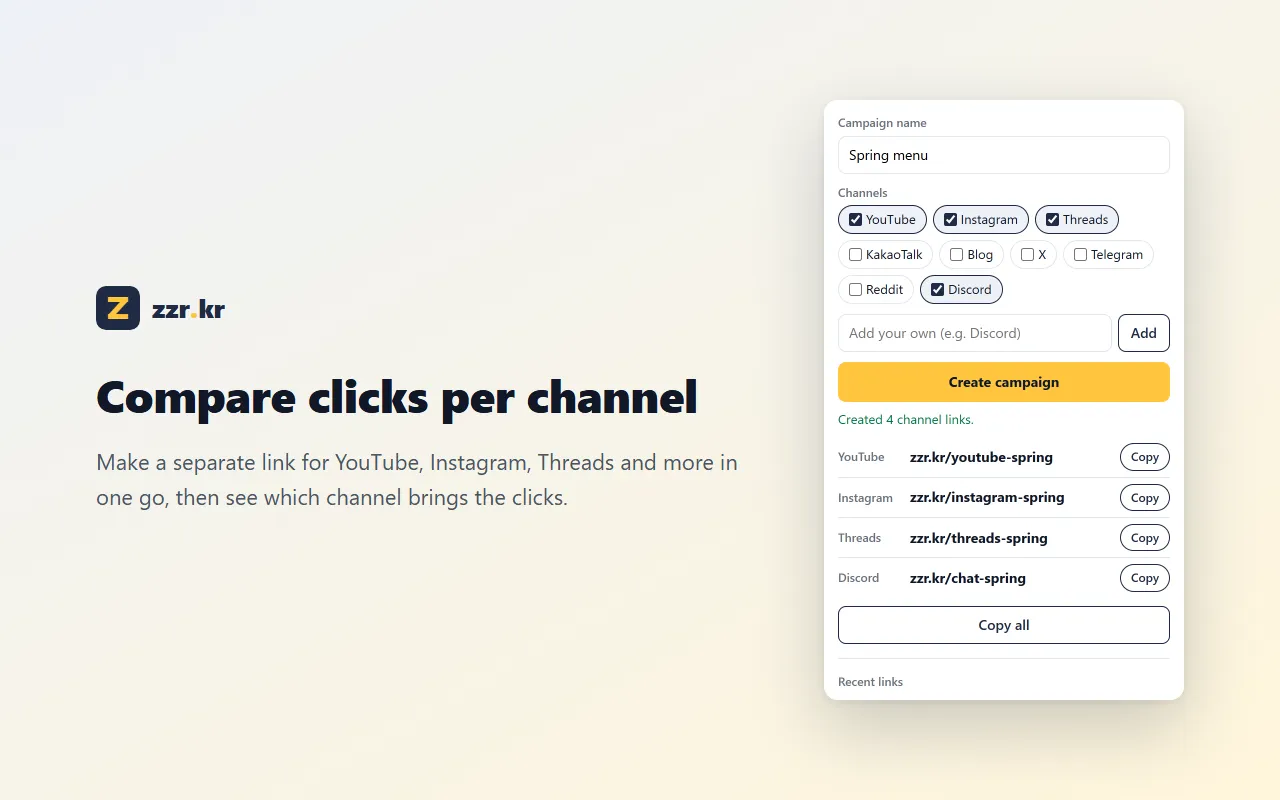
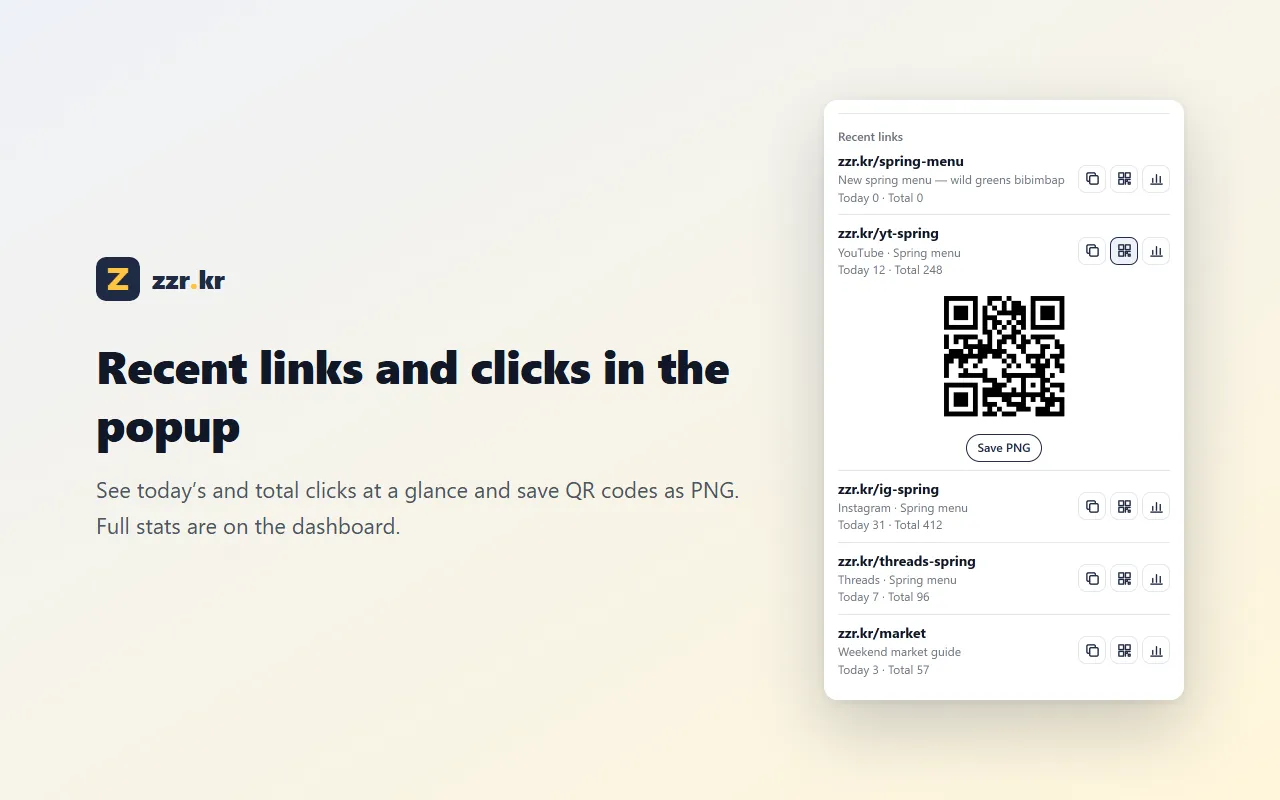
Icon → Shorten. The short link lands on your clipboard.
“Shorten & copy this page” or “this link” without opening the popup.
One product URL, one link per channel — then compare where the clicks came from on the dashboard.
Show a QR code for any link and save it as a PNG.
Click “Add to Chrome” on the Chrome Web Store.
Icon → Connect → sign in with Google or Kakao. It connects itself — no key to copy.
On any page, click the icon and Shorten. Done.
Yes. You just need a free zzr.kr account (sign in with Google or Kakao).
Yes — it’s the same account. Links you make in the extension appear on your app.zzr.kr dashboard, and vice versa.
Chrome on desktop. chrome:// pages and local files can’t be shortened.
Start with the page you’re on
Add to Chrome